💰 Cost-Effective Solution
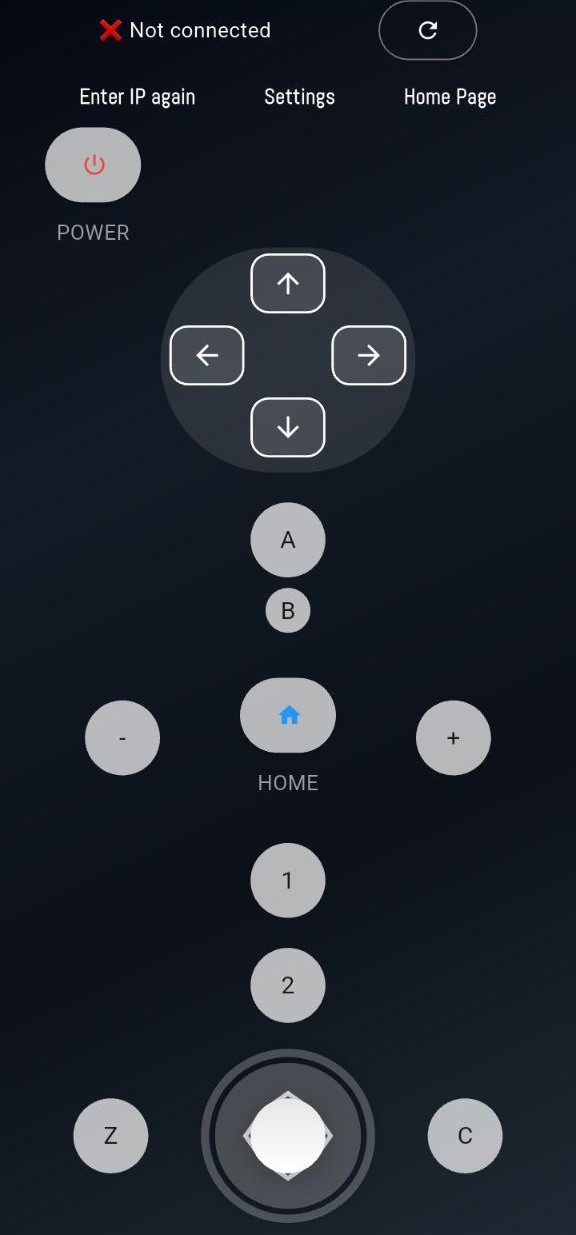
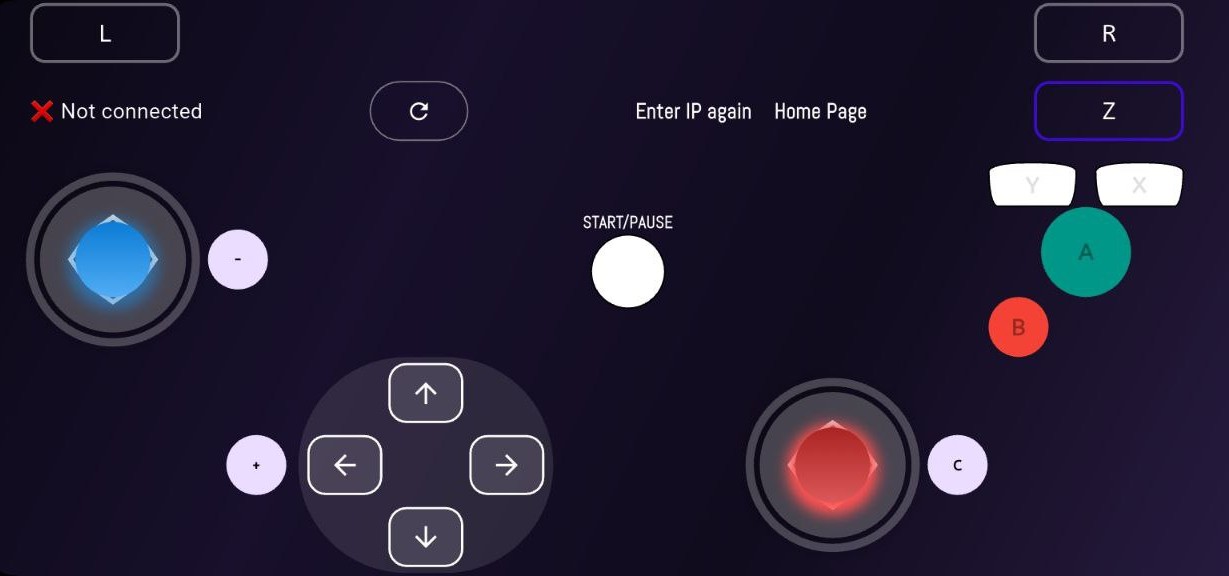
Traditional gaming controllers typically cost $50-80, with premium models exceeding $150. zController transforms the smartphone you already own into a professional-grade controller at absolutely no cost. No additional hardware purchases, no subscription fees, no hidden costs. This makes it perfect for students, budget-conscious gamers, or anyone who needs multiple controllers for local multiplayer sessions without breaking the bank.
🎯 Universal Compatibility
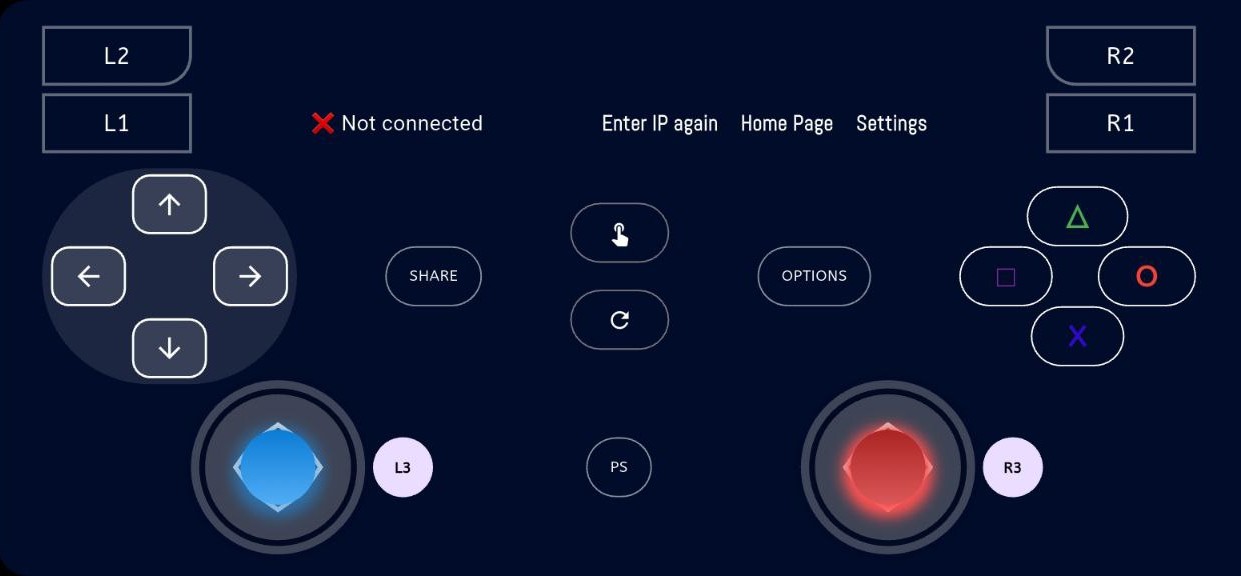
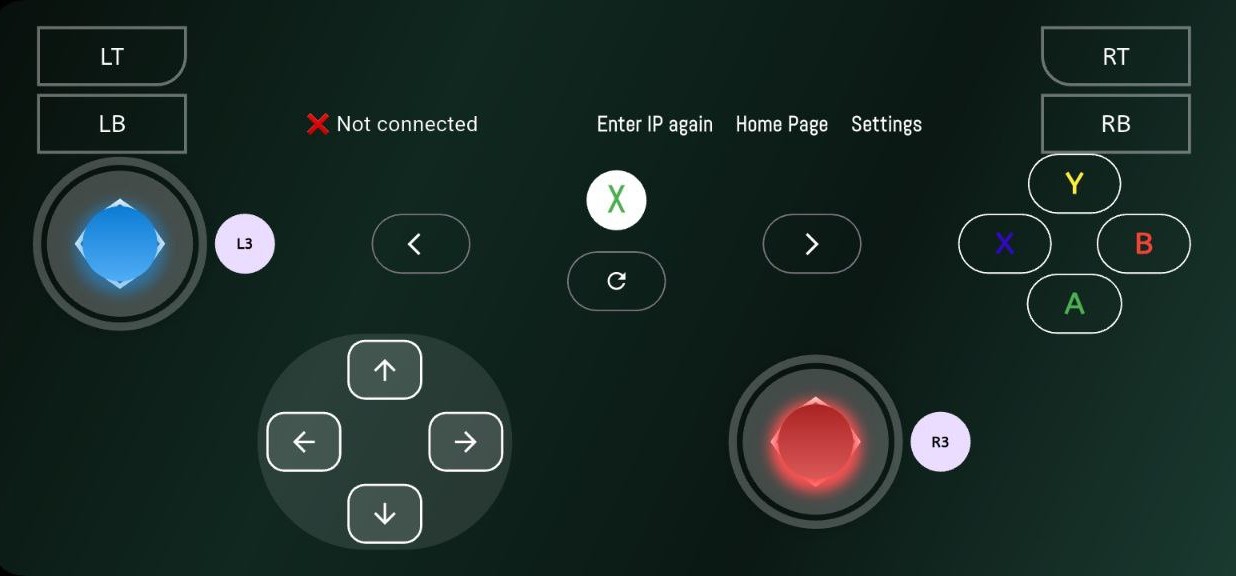
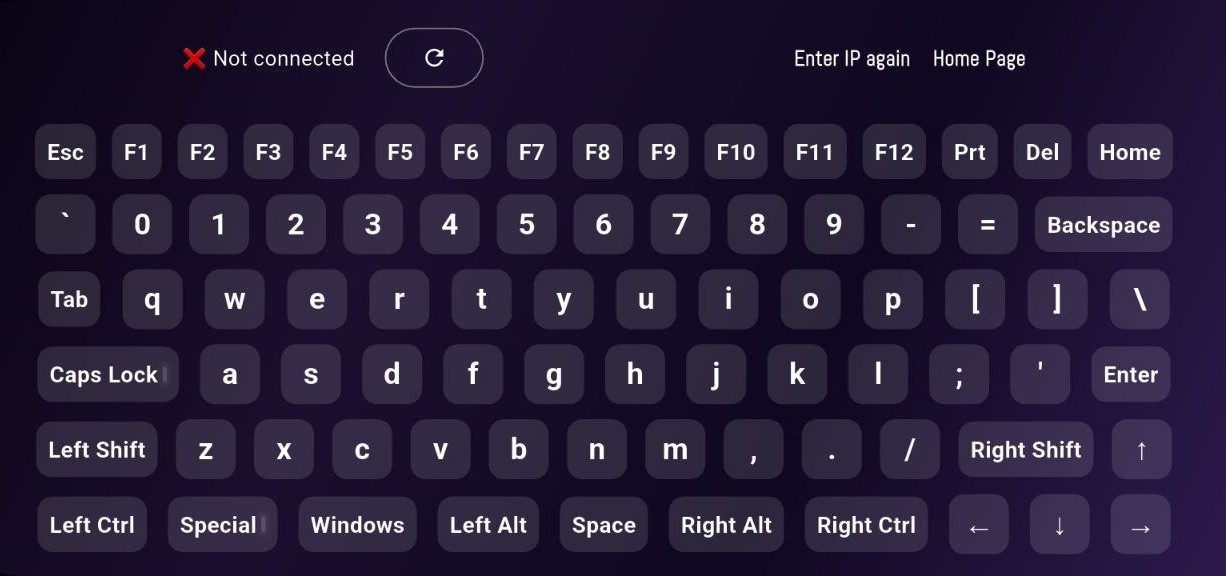
Through advanced ViGEmBus kernel-level emulation, zController achieves 100% compatibility with virtually every Windows game and application. Whether you're playing Steam titles, Epic Games Store releases, GOG classics, or running console emulators like Dolphin, PCSX2, or Cemu, zController works seamlessly. Windows recognizes your phone as a genuine Xbox 360 or DualShock 4 controller, ensuring perfect compatibility across the entire PC gaming ecosystem.
⚡ Low Latency Performance
Competitive gamers demand responsive controls, and zController delivers. With USB tethering mode, input latency rivals that of wired controllers, typically measuring under 5ms. For wireless gaming, our optimized 5GHz WiFi implementation ensures minimal lag suitable for even fast-paced competitive games. Our custom communication protocols prioritize input data transmission, ensuring your actions translate instantly to on-screen gameplay.
👥 Local Multiplayer Support
Transform any PC into a local multiplayer gaming hub. zController supports up to 4 simultaneous phone connections, each recognized as a separate player controller. Perfect for couch co-op sessions in games like Overcooked, Tekken, FIFA, Rocket League, or Mario Kart via emulator. No need to purchase multiple expensive controllers - just gather friends with smartphones and start playing immediately. This feature makes zController ideal for parties, gaming cafes, and family game nights.
🌱 Environmentally Conscious
By repurposing existing smartphones as controllers, zController helps reduce electronic waste and manufacturing demands. Traditional controllers contribute to e-waste when broken or replaced. zController extends the utility of devices you already own, promoting sustainable gaming practices without compromising on quality or functionality. This eco-friendly approach aligns with modern environmental consciousness while delivering superior value.
🔧 Advanced Customization
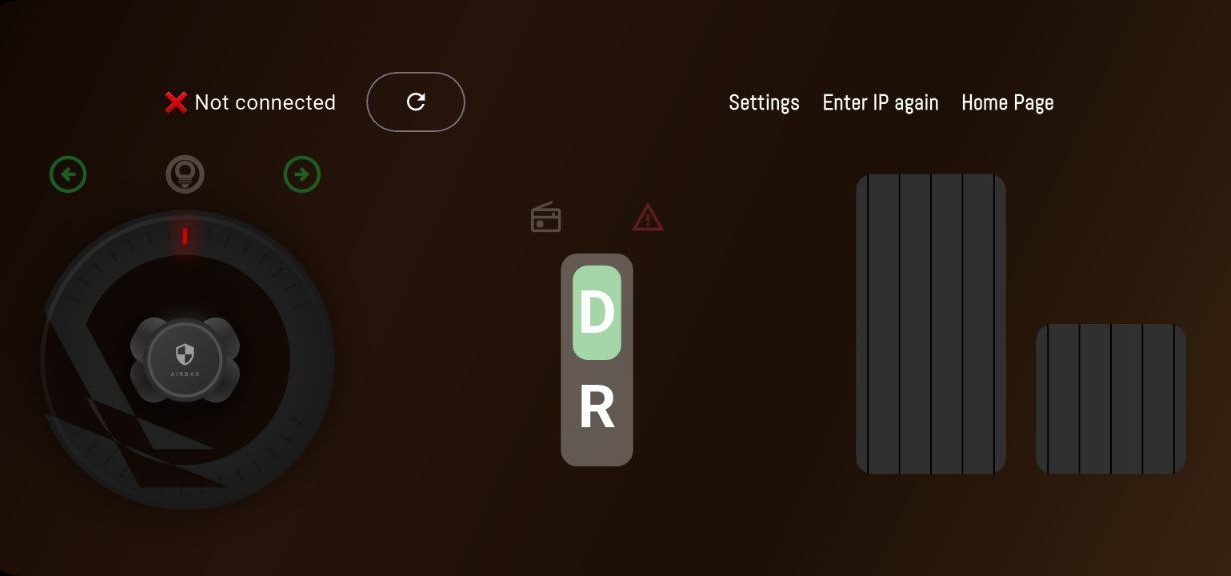
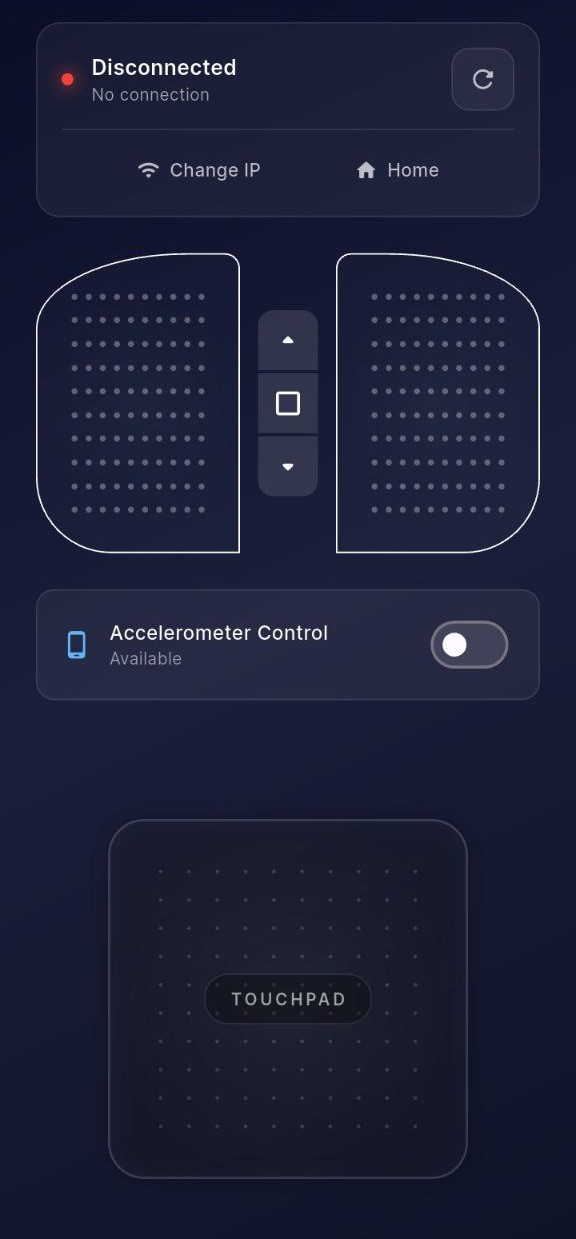
zController provides extensive customization options that physical controllers cannot match. Adjust analog stick sensitivity and dead zones for precise aiming or driving. Configure button modes as toggle or hold based on game mechanics. Customize button layouts for different game genres. Modify motion control sensitivity for steering wheel or camera control. These granular settings allow you to fine-tune the controller experience to match your personal preferences and gaming style perfectly.